
A small language lesson.
A wait you already had.
LingoWait offers short language practice while ChatGPT prepares a response. This is a publisher-provided kit for journalists, language educators and independent reviewers.
LingoWait in one paragraph
LingoWait is a free language-learning tool for ChatGPT in Chrome on desktop. It displays short exercises while ChatGPT generates a response, then pauses and reduces the panel when the answer is ready. Users can practise English, Spanish, French, German or Japanese, with Work, Travel and Everyday themes. No separate LingoWait account is required. Learning progress is stored locally in the browser.
The idea came from a real habit
Adrien de Malherbe is French, lives in Barcelona and uses ChatGPT extensively. He grew tired of waiting for answers and losing time between requests. Learning languages already mattered to him, so he built LingoWait to turn some of those existing pauses into small moments of practice.
The product is designed around returning to the original task: when the answer arrives, practice pauses. It does not try to make ChatGPT slower or ask users to create extra waiting time.
Facts to verify in a review
- Price
- Free. No separate LingoWait account.
- Compatibility
- ChatGPT website in Chrome on desktop or laptop. The mobile ChatGPT app and other AI websites are not supported.
- Learning languages
- English, Spanish, French, German and Japanese.
- Practice
- Work, Travel and Everyday themes. A1–C2 practice labels for four languages and a separate J1–J6 Japanese path. These are not proficiency certifications.
- Privacy
- LingoWait observes generation-related interface activity, not prompt or answer text. Practice records stay in the local Chrome profile. Website analytics require separate consent.
- Limitations
- It does not accelerate ChatGPT, fix outages or guarantee fluency. Short practice complements listening, speaking and longer study.
Installation, permissions and privacy · Current store listing and release version
A review you can reproduce
- Install from the official listing, then open or refresh ChatGPT on desktop Chrome.
- Select Spanish and a beginner difficulty. Try Work, Travel and Everyday separately.
- Send a normal request and observe whether the exercise appears during generation. Fast responses may finish before practice starts.
- Check that the panel pauses and shrinks when the answer is ready, and whether returning to the task feels easy.
- Check local progress, the on/off setting and the permission explanations. Compare the experience with LingoWait disabled.
- Report the version, device, chosen settings and any problems. Evaluate interruption and usefulness separately from language-learning outcomes.
Try Spanish examples in your browser. The page distinguishes shipped examples from additional editorial exercises.
Visuals and demonstration
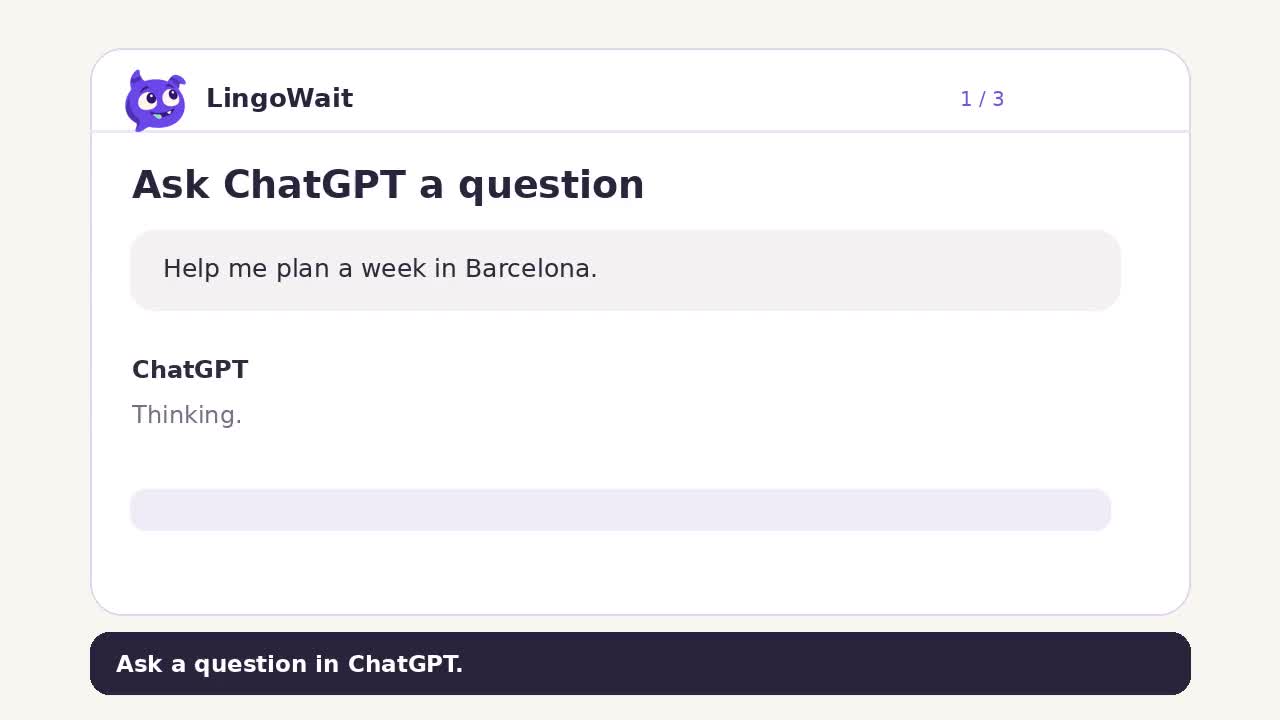
These are official publisher assets. The video is an illustrative product demonstration, not an independent review or a recording of a measured user study. Please credit LingoWait and link to the product when using these assets to cover it.

Questions worth investigating
- Does practising in the same tab make it easier to return to work than opening another feed?
- Which waits are long enough for a useful exercise, and when is simply resting better?
- Can a learner recall a practised phrase later without seeing the answer options?
These are questions for independent testing, not claims of proven outcomes. This kit does not imply endorsements by OpenAI, Google or language teachers.
For interviews, corrections or product questions: getlingowait@gmail.com.